GuidedRole
Use the Change note field under the price.
GuidedRole trains your team inside your own web application. People follow guided steps on the real screen, practise on your test site, take assessments that show what they can do, and stay current as the product changes.
14-day free trial · No payment details · Works in Chrome

Where do I say why the price changed?
Use the Change note field under the price.
Sample data from a demo workspace.

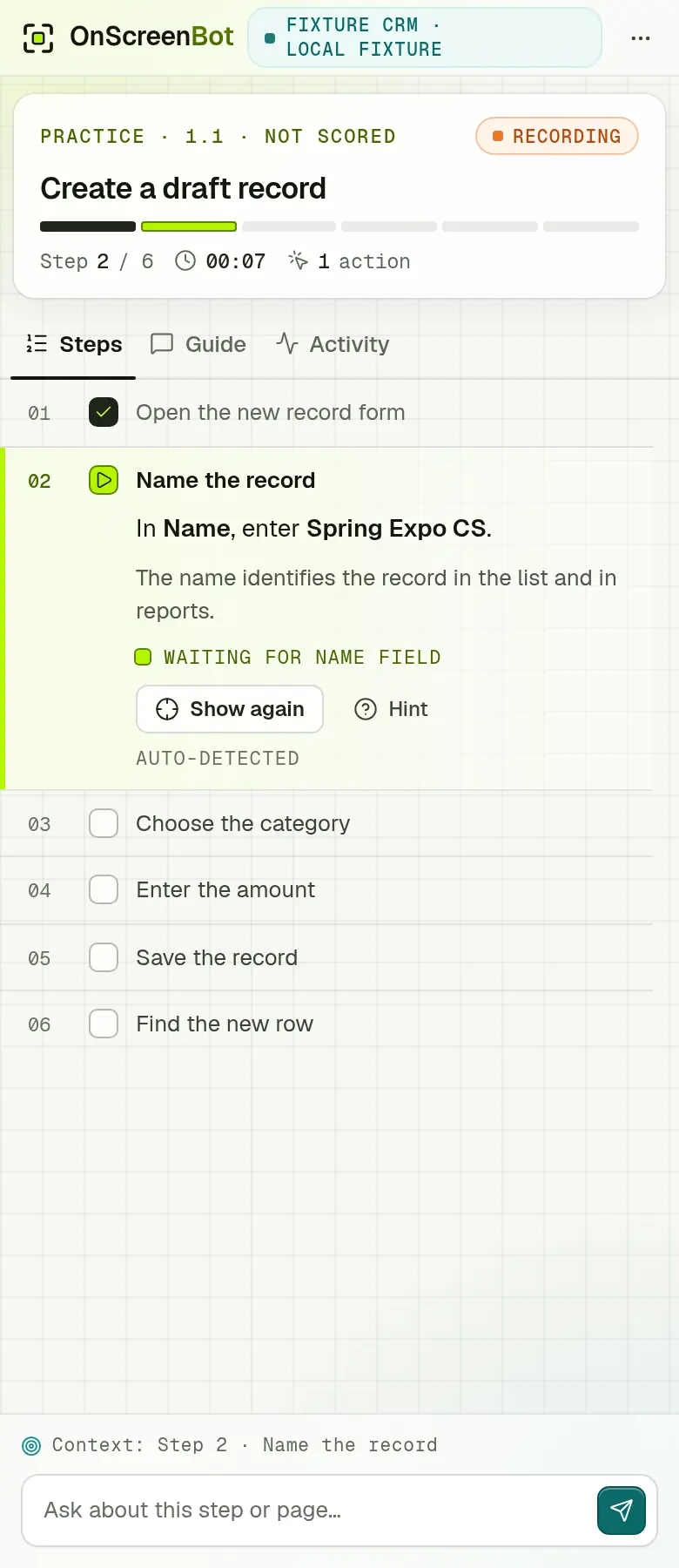
Guided practice on a sample test site: GuidedRole frames the field and says what to enter and why.
A mistake costs once when it happens and again when someone has to find and fix it. People trained for their role work faster, serve customers better and use the features you paid to build.
The estimate is worked out in your browser, from your own numbers.
Business pays for itself if better training wins back 1.3% of that time.
An estimate from your own numbers and a 46-week working year, set against the plan price only; it is not a promise. Nothing you enter leaves this page.
GuidedRole shows people what to do in guided steps on the real screen, lets them practise it safely, checks what they can do, and keeps every role current as your product changes.
GuidedRole frames the exact control on your own application and says what to do next and, where it matters, why.
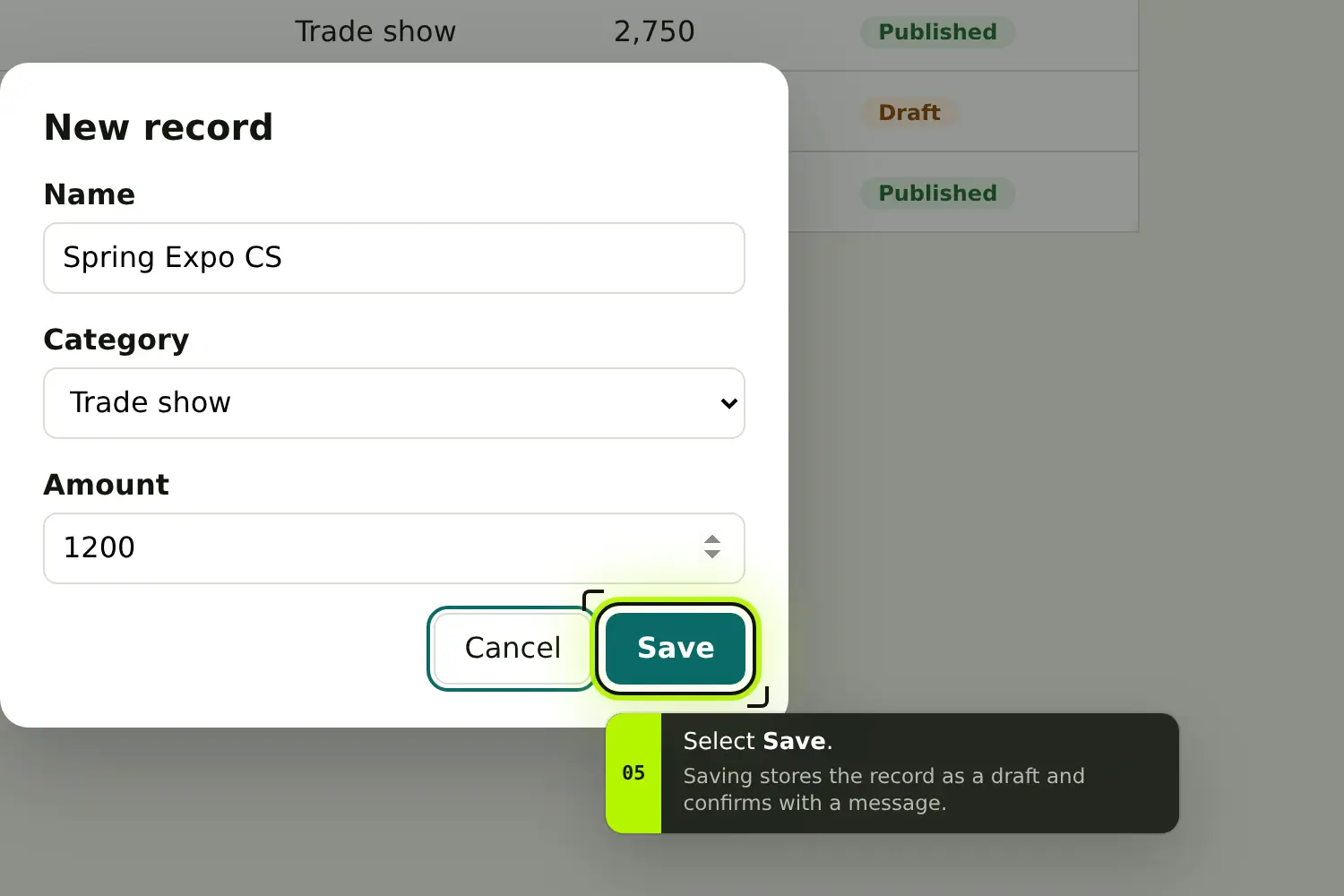
Most steps complete when the page shows the result, such as a saved record. Hints and corrections appear when people need them.
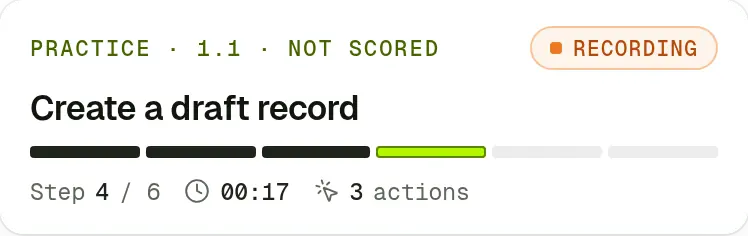
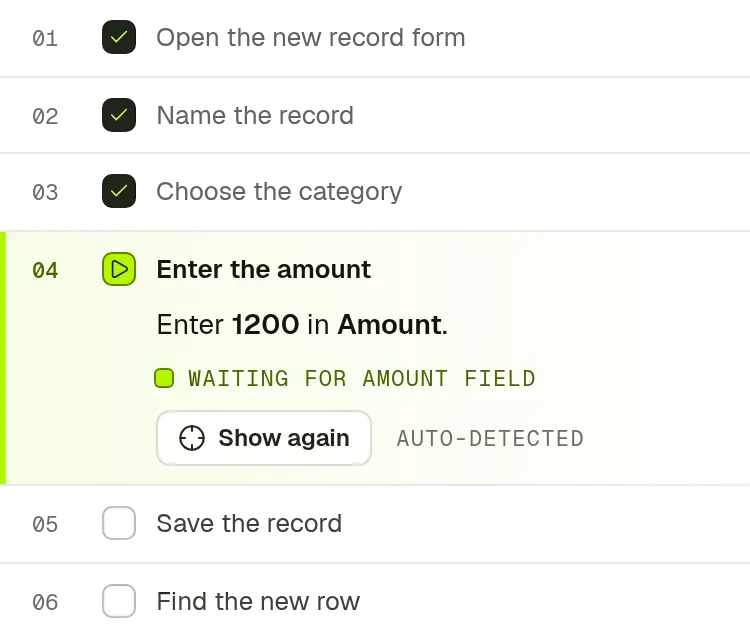
No hints and no help. With the default scoring, a pass needs 80 points and every critical outcome; accuracy, time and actions all count.
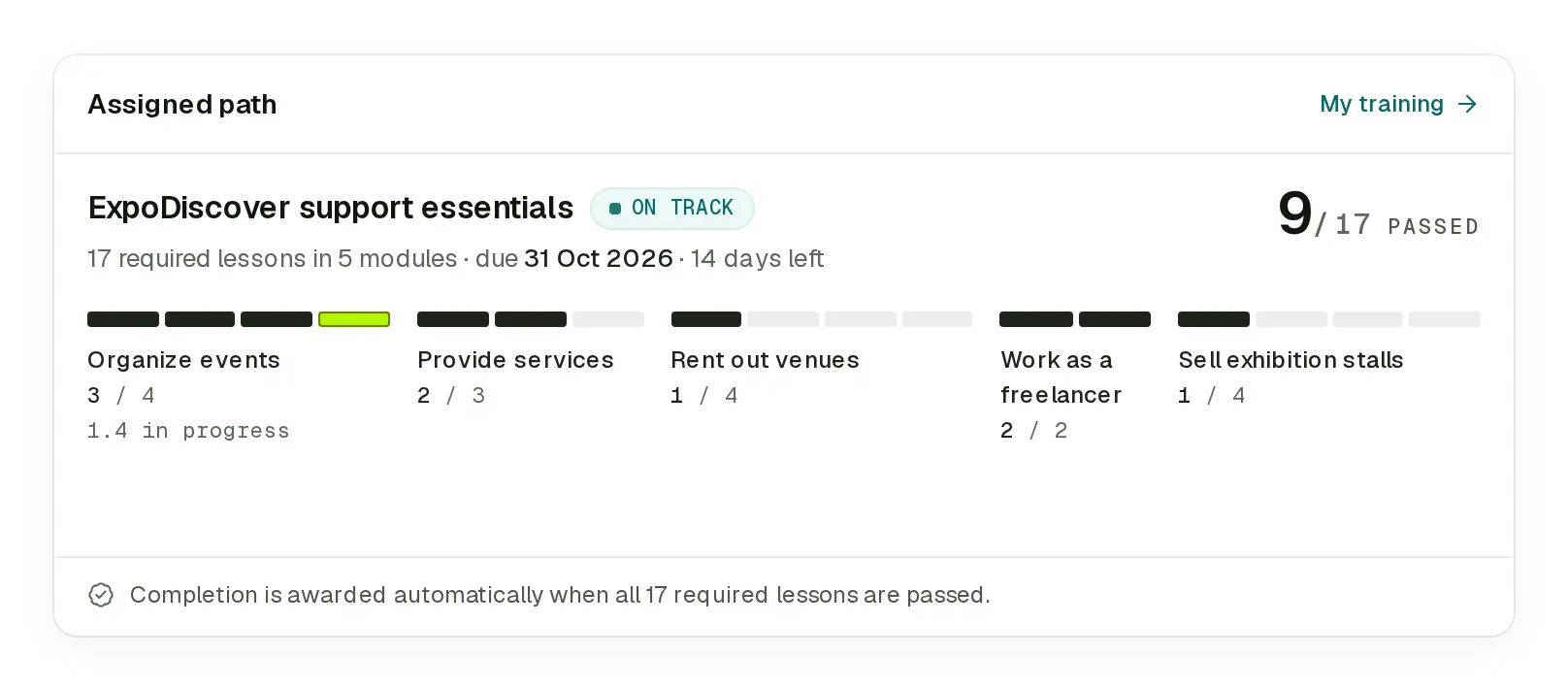
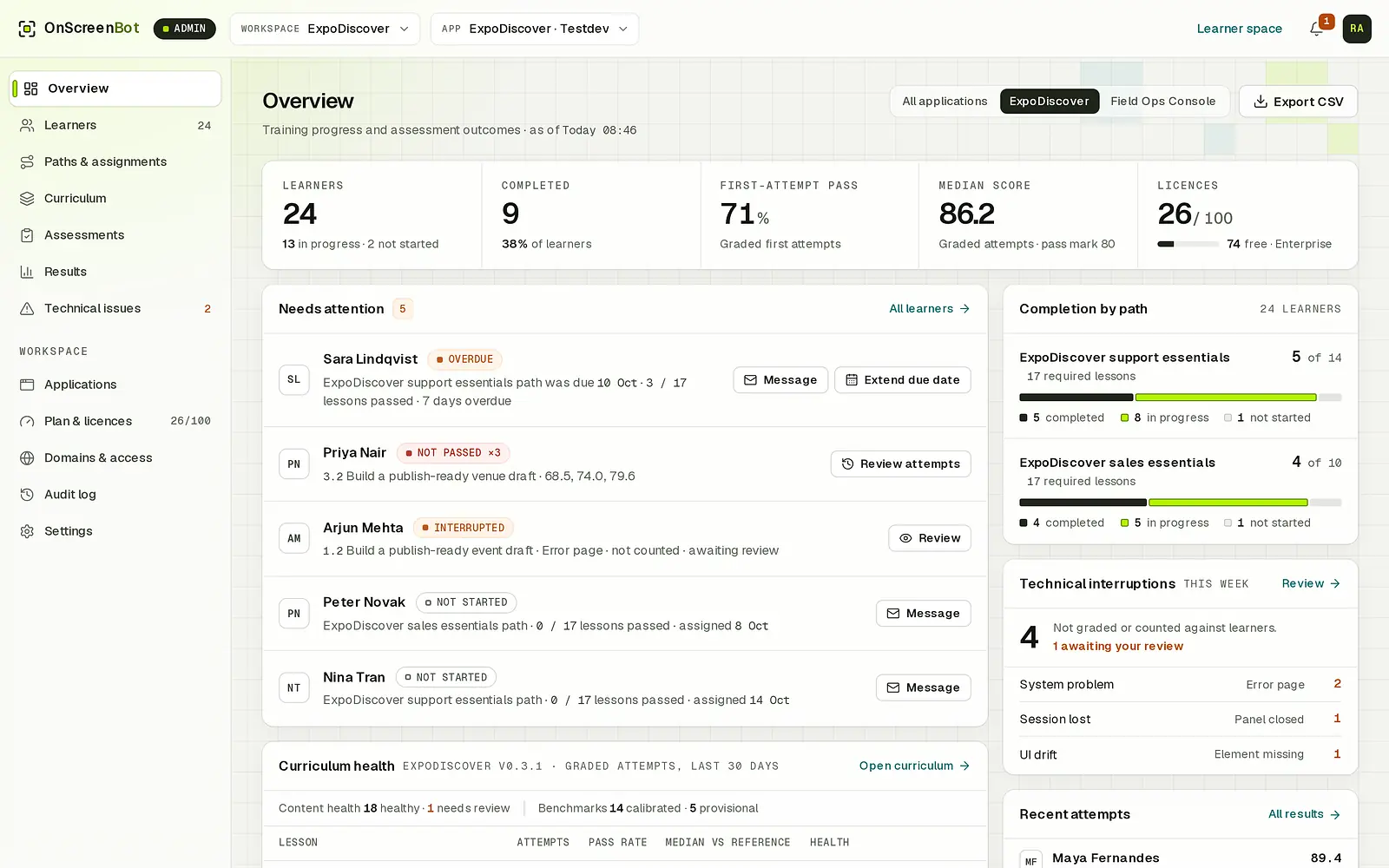
See who is overdue, stuck on a lesson or yet to start on their role path. Owners and admins can open a recent attempt step by step to coach someone.
On the Enterprise plan, Guided Mode answers questions about the current step from your course and points at the control it means.
Where do I set who owns the record?
Use the Owner field under the record name. The owner gets the follow-up tasks, so pick the person who handles the account, then choose Save draft.
When the site itself fails, the attempt ends as Incomplete – technical and an issue opens for the admin. It is never counted against the learner.
The site showed “Something went wrong” while saving. This attempt is not counted against you.
Sample data from a demo workspace.
Marketers write the campaigns, launch posts and demo scripts. GuidedRole gives them guided, hands-on time with each feature your course covers, so they describe what they have done themselves.

Role paths turn onboarding into a plan with due dates. Every assessment attempt is kept with its score, time and actions, so you can see improvement after each retake and step in early.
Support, sales or marketing: each training role gets the lessons it needs, assigned automatically with a due date.
Lessons run in your own application, on its test site, so there is nothing to translate from a video to the screen.
People can practise again and retake assessments. Each attempt is kept with the course release it used.
Accuracy, time and actions for every attempt, against reference times you can tune for your team.
The overview lists people who are overdue, have not passed after three attempts, were interrupted or have not started.
Owners and admins can open a recent attempt’s timeline to coach someone. Each opening is recorded in the audit log.
Critical outcome missed: customers see the new price. Time and actions count only when every critical outcome is met.
Sample data from a demo workspace. A retake after a missed critical outcome.
Fast product teams change screens, flows and features constantly. GuidedRole versions your courses with your product, so people can learn a change before they meet it in front of a customer.
send-reminderNot found 5 / 9The Send button moved into the Actions menu in the last app release. Lesson 3.2 needs review.
Sample data from a demo workspace.
GuidedRole records only what training needs: the lessons and assessments a learner runs, and the questions they ask Guided Mode.
Recording runs only during a lesson or assessment the learner starts, with a visible indicator, and when they ask Guided Mode a question.
No keystrokes, field values, page text or screenshots. Only activity named in the course’s own words: the pages, the controls used, whether a field was filled, and timing.
Every learner can view and export their own data.
Opening someone’s step-by-step timeline is logged. Only workspace owners and admins can do it, and FasterApps support only while acting as an admin, recorded under both names.
Every plan includes guided lessons, practice, role paths, assessments and tracking. Enterprise adds Guided Mode.
For a first team learning one application.
$49per month
billed yearly · $588 a year
10 licences · 1 domain · 10 modules
For growing teams across support, sales and marketing roles.
$99per month
billed yearly · $1,188 a year
40 licences · 1 domain · 20 modules
For larger teams that want an AI assistant beside every lesson.
$199per month
billed yearly · $2,388 a year
100 licences · 2 domains · 50 modules
The free trial does not include Guided Mode.
Every workspace starts with a 14-day free trial: 10 licences · 1 domain · 10 modules, no Guided Mode, no payment details. FasterApps builds your first course from your application’s source code. Ask for a plan in Plan & licences whenever you are ready and the FasterApps team sets it up.
Start a 14-day trial, or talk to us about training your team on your own application. FasterApps builds your course from your application’s source code.
14-day free trial · No payment details · Works in Chrome